
Your PS5 Says “Can’t Connect to the Server” But I’ll Bet Your Internet Is Fine

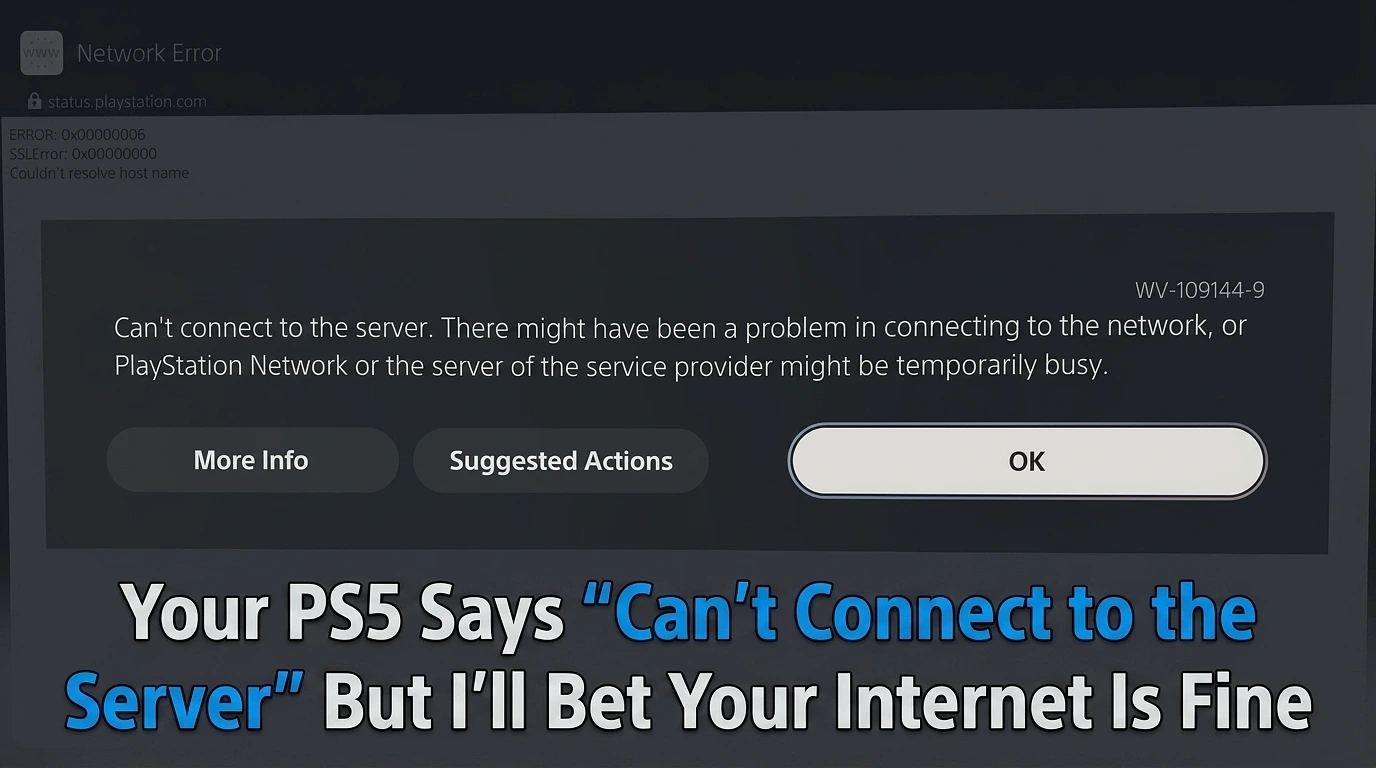
A student brought me his PS5 the other day, convinced his internet had died. And honestly, I don’t blame him. His screen was a horror show — WV-109144-9, “Can’t connect to the server,” “No internet connection available.” The PlayStation Store wouldn’t open. PS Plus wouldn’t load. Even his game covers had turned into blank grey controllers — 287 games, not one of them showing its artwork.
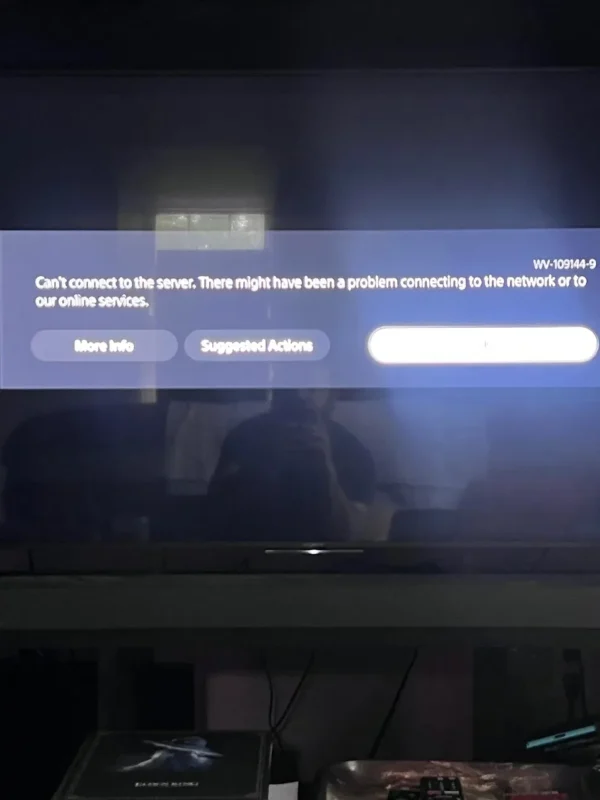
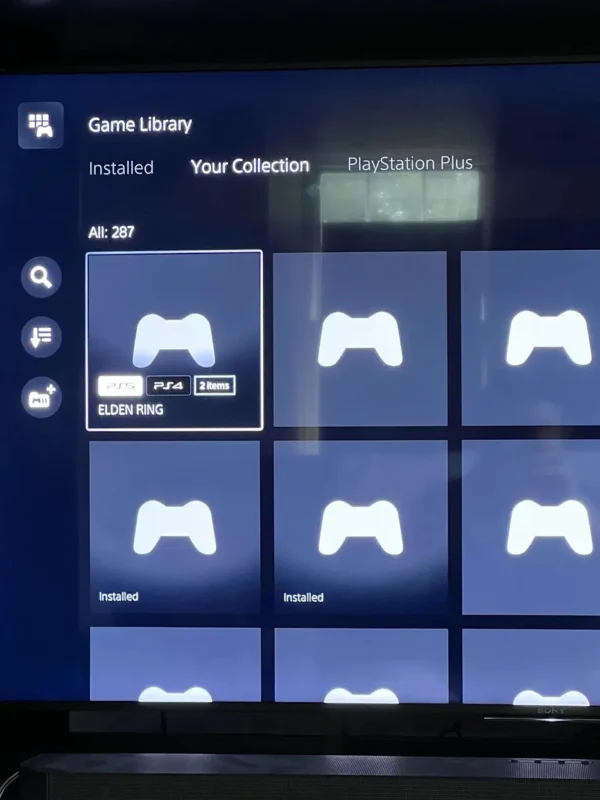
Looks like a dead connection, right? That’s what everyone assumes. And that’s exactly why everyone wastes an hour fixing the wrong thing.
Here’s what the screenshots actually told us. Stick with me, because once you can read this, you’ll never panic over a PSN error again.
First, We Ran The Test (and it ruined the whole “broken internet” theory)
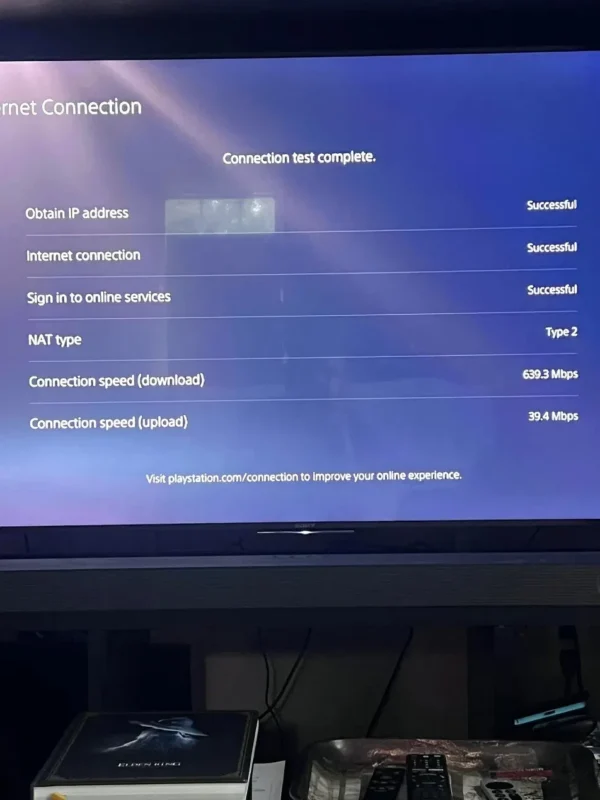
Before touching a single setting, we ran the console’s own connection test. Settings → Network → Test Internet Connection. Simple. Here’s what came back:
- Obtain IP address – Successful
- Internet connection – Successful
- Sign in to online services – Successful
- NAT type – Type 2
- Download – 639.3 Mbps
- Upload – 39.4 Mbps
Every line passed. The thing pulled 639 Mbps. It literally said it had signed into online services. So much for the dead internet.
Then we opened YouTube. An Ariana Grande video fired up instantly, no buffering, no drama.
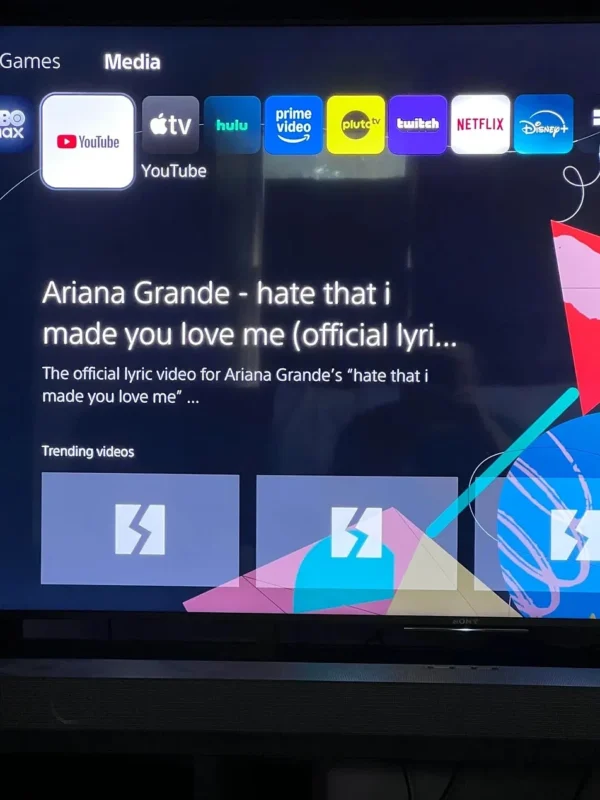
So now we’ve got a proper head-scratcher:
The internet’s flawless. YouTube streams in HD. The speed test says 639 Mbps. But every PlayStation thing Store, PS Plus, login, even the cover art is stone dead.
And that, right there, is your answer. Most people never spot it because they're already three menus deep changing their DNS.
Let Me Walk You Through The Logic
It’s dead simple once you lay it out:
- YouTube works. So are fine — broken internet can’t stream video.
- The test hits 639 Mbps. So the PS5’s own fine too — a dodgy Wi-Fi chip can’t manage that.
- But only PlayStation stuff fails. And here’s the kicker: every single thing that’s broken lives on Sony’s servers. The Store, PS Plus, your account login and yep, the game artwork, which the console grabs from PlayStation’s servers. That’s why the covers were blank: the console asked Sony for the images and got nothing back.
If the problem were in his house, YouTube would’ve died too. It didn’t. So never on his end — it was Sony’s.
The error code backs this up. WV-109144-9 is what Sony calls a “Web View” error. In plain English: your PS5 knocked on PlayStation’s door and nobody answered.
So Why Didn’t We Restart The Router or Change The DNS?
Because done a thing — and this is the bit the “Top 10 Fixes” articles never tell you.
Restarting the router, switching to 8.8.8.8, forcing 5 GHz, disabling IPv6 — those are all fixes for a home network problem. We’d already proved this wasn’t one. Doing them here would be like taking cold medicine when you’ve actually sprained your ankle. Effort, sure. Pointless effort.
So we did the only sensible thing. Pulled out a phone, went to status.playstation, and checked Sony’s server status. And there it was — PSN was having an outage. Not him. Not his router. Sony.
We put the controller down, waited about half an hour, tried again. Everything worked. We never changed a thing. Anticlimactic? Completely. But that’s the honest answer most sites are too proud to give: sometimes there’s nothing to fix, because nothing of yours is broken.
The 60-Second Test You Should Actually Steal
Forget the outcome — copy the method. Two checks, that’s it:
1. Does normal internet work on the console? Open YouTube or Netflix on the PS5. Plays fine? Your internet’s healthy, so blame Sony’s servers. Also broken? Okay, now it might be your network.
2. Run the connection test. (Settings → Network → Test Internet Connection.)
- All “Successful,” only PlayStation broken → it’s Sony. Check status.playstation.com and wait it out.
- Fails at “Obtain IP address” or “Internet connection” → it’s your network. Now go restart the router and the console.
That’s the whole thing. Two checks decide whether you wait thirty seconds or roll up your sleeves for thirty minutes. In this case, they saved my student a wasted evening fixing a problem that was never his.
The One Line to Remember
Before you fix a PS5 connection issue, work out whose problem it actually is. If YouTube plays and the speed test passes, stop right there — the ball’s in Sony’s court, and the only winning move is to wait.
WV-109144-9 isn’t always a cry for help. Sometimes it’s just Sony having a rough night.