Best Gaming Monitors 2026: The Ultimate Buyer’s Guide

Buying a gaming monitor based purely on marketing buzzwords is an easy way to throw money away. A monitor that looks stunning on a retail shelf might completely choke your graphics card at home, or leave you struggling with screen glare if your desk sits near a bright window.
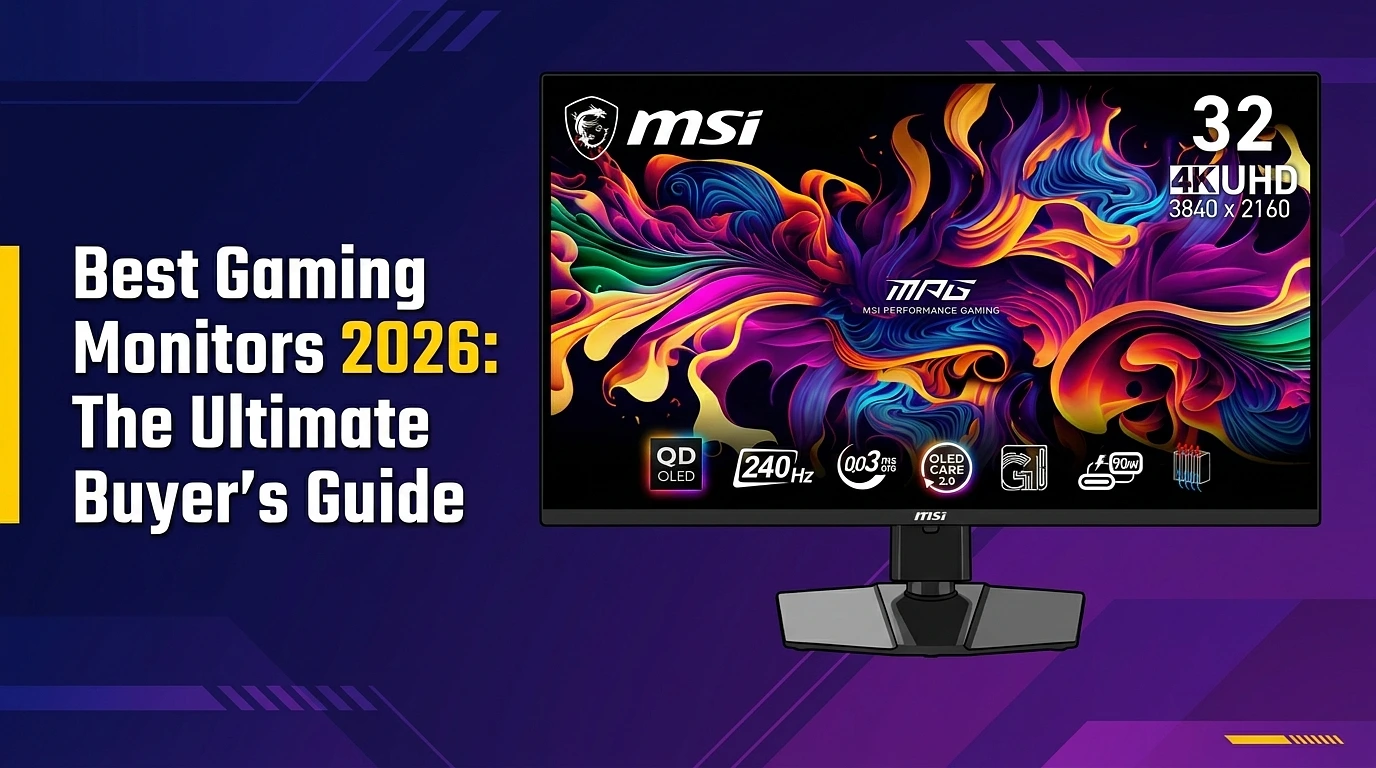
The truth is simple: the perfect display depends entirely on the types of games you play and the specific hardware sitting inside your PC. While premium screens like the MSI MPG 321URX QD-OLED currently dominate the conversation for high-end visual fidelity, they aren’t a one-size-fits-all solution.
The Golden Rule: Match Your GPU to Your Resolution
Your graphics card dictates your monitor limits. Buying a high-end 4K screen when you run a mid-range card means you will either have to downscale your resolution or suffer through a choppy, unplayable frame rate.
- The Ultra-Enthusiast Tier (RTX 5090 / 5080): Your hardware pairs beautifully with massive ultrawides like the Dell Alienware AW3425DW. It offers a 175Hz refresh rate and an immersive aspect ratio built perfectly for open-world environments and racing sims.
- The Performance Sweet Spot (RTX 5070 / 5060): Look toward the ASUS TUF VG27AQ3A. This display hits the ideal 1440p, 170Hz baseline, offering a sharp jump in pixel density over standard HD without tanking your frames or breaking the bank.
- The Budget & Esports Tier: If you run entry-level hardware or prioritize frame rates above all else, the Pixio PX248 Wave delivers high refresh speeds at a native 1080p resolution to keep your competitive gameplay perfectly fluid.
Top Gaming Monitors:
| Category | Model | Key Specs | Best For |
|---|---|---|---|
| Best Overall | MSI MPG 321URX | 32″ 4K QD-OLED, 240Hz | 4K Gaming & True Blacks |
| Best 1440p | MSI MPG 271QRX | 27″ QHD OLED, 360Hz | Competitive & Visual Balance |
| Best Esports | Alienware AW2525HM | 25″ 1080p, 320Hz | Fast-Paced Competitive Shooters |
| Best Premium | Alienware AW3425DW | 34″ Ultrawide QD-OLED | Open World & Racing Games |
The Key Specs to Check Before Buying
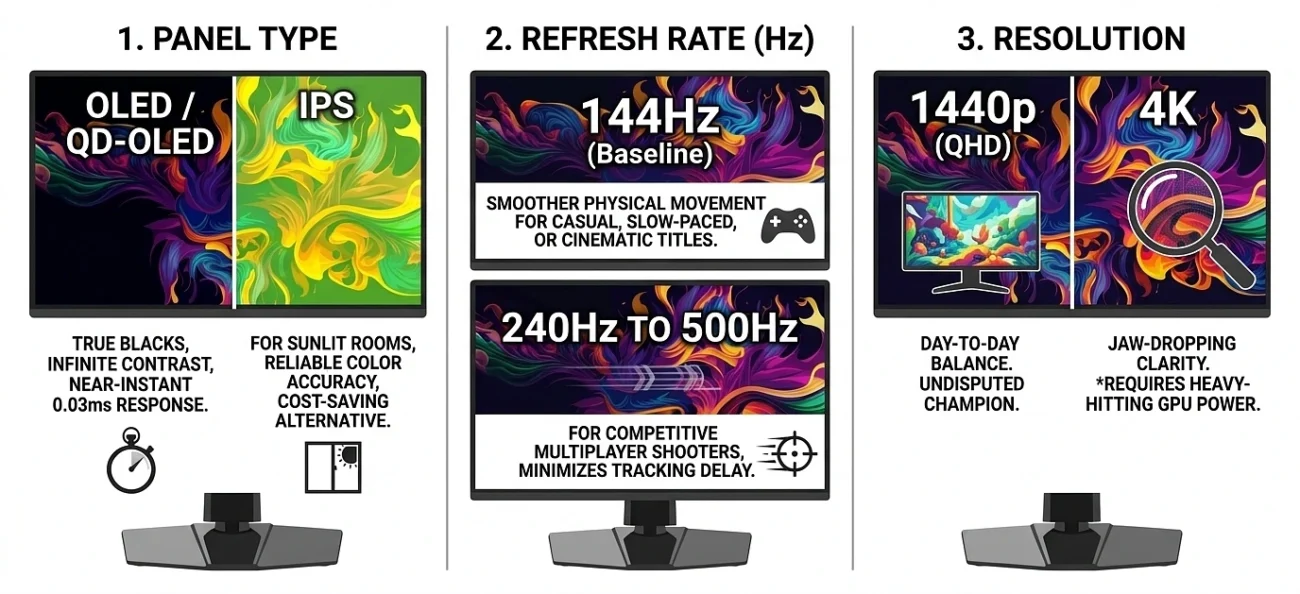
When you are filtering through online listings, cut past the marketing noise and focus heavily on three core factors:
1. Panel Type:
If you want true, deep blacks and infinite contrast, look for OLED or QD-OLED panels. They feature near-instant 0.03ms response times that entirely eliminate motion blur. However, if your setup sits in a sunlit room, or if you want to save cash, an IPS panel remains an excellent alternative for raw brightness and reliable color accuracy.
2. Refresh Rate (Hz):
Higher hertz values mean smoother physical movement on screen. For casual, slow-paced, or highly cinematic titles, a 144Hz display serves as an excellent baseline. If your focus relies heavily on competitive multiplayer shooters, target panels pushing anywhere from 240Hz up to 500Hz to minimize tracking delay.
3. Resolution:
1440p (QHD) is the undisputed champion for day-to-day balance. 4K provides jaw-dropping clarity, but you should only make that leap if you own a heavy-hitting GPU that can handle the massive processing load.
Pro Tip: Before committing to a final purchase, check out real-world video tests tracking the specific monitor models you like. Seeing exactly how a screen handles motion transitions, panel reflections, and matte versus glossy coatings in actual room lighting makes a huge difference before you drop your cash.