
Palworld 1.0 Still Handles Controller Deadzones Badly and Here Is the Proof

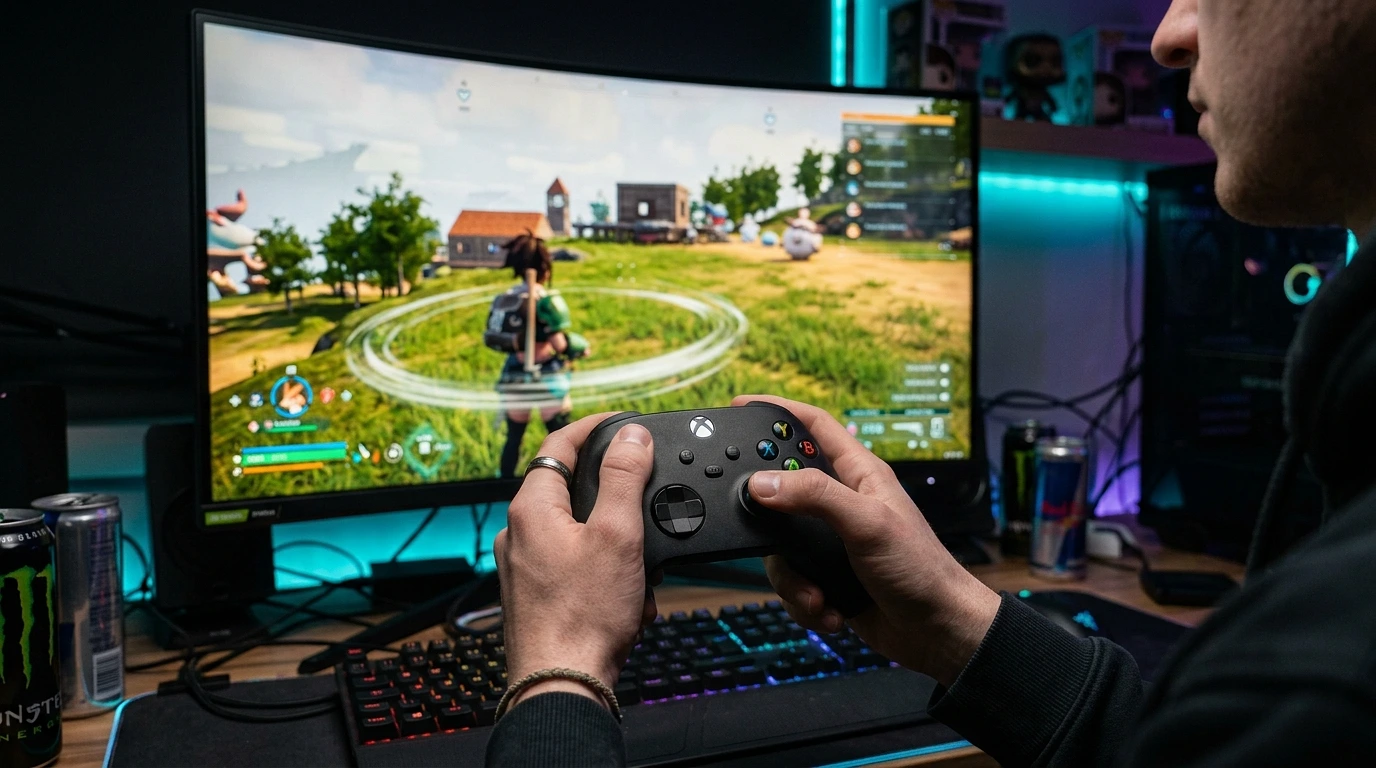
Palworld shipped its 1.0 release with the stick deadzone set to zero by default, a map screen that ignores the deadzone setting entirely, and a menu system that cannot decide whether you are holding a controller or a mouse. I spent a week testing all three problems with four different controllers, and I can show you exactly where the gaming reads your sticks correctly and where it does not. If you only want the short version, here it is: the gameplay deadzone setting works, the map deadzone does not, and the only real fix lives outside the game in Steam Input.
The longer version is more interesting, because it explains why so many players are convinced their controller is broken when it is not.
What I Tested and How
I ran four pads through the same routine: a stock DualSense, a two year old Xbox Series controller with mild wear, a nearly new 8BitDo Ultimate with Hall effect sticks, and an older Xbox One pad that I keep around specifically because its left stick drifts. Each one went through our deadzone tester and stick drift tester first, so I knew the true resting behavior of every stick before Palworld ever saw it.
That baseline matters. The worn Xbox Series pad rests at roughly 3 to 4 percent deflection on the left stick. The Hall effect 8BitDo rests at effectively zero. The old drifting pad sits closer to 8 percent. A game with sane deadzone handling should make the first two feel identical and only struggle with the third. Palworld 1.0 fails that test in specific, repeatable ways.
The Default Deadzone Is Zero
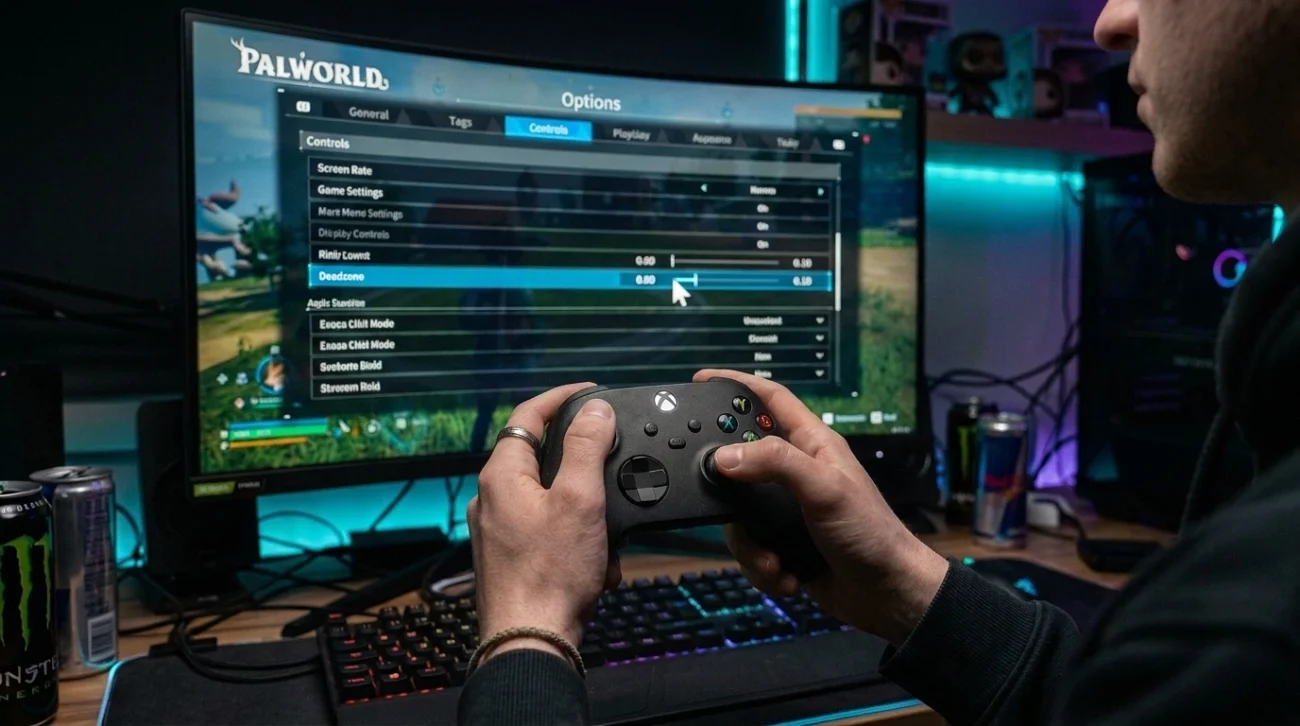
Palworld ships with both stick deadzones set to 0, and that is an aggressive choice for a game this popular. A zero deadzone means the game acts on any voltage the stick reports, including the tiny off center rest position that almost every potentiometer stick develops within a year of normal use.
On my bench that played out exactly as the numbers predicted:
- The Hall effect pad felt clean everywhere, because its sticks genuinely return to zero.
- The worn Series pad produced slow camera creep while standing still, the kind you notice in base building when the camera will not hold position.
- The old drifting pad was close to unusable, with the character wandering on its own the moment I let go of the stick.
Raising the deadzone in Options under Controls stops the creep during normal gameplay, and I want to be fair to Pocketpair here: the gameplay deadzone slider does work. Set it to a value above your stick's resting deflection and movement and camera behave correctly. If our tester shows your stick resting at 4 percent, an in game value around 0.10 gives you comfortable margin. That part of the system is fine.
The problem is that a zero default pushes the diagnosis onto the player. Thousands of people with slightly worn pads booted Palworld, watched the camera drift, and concluded their controller had died. Most of them were holding hardware that behaves perfectly in any game with a sensible 10 percent default.
The Map Screen Ignores Your Deadzone Setting
This is the proof in the headline. Open the world map with a stick that has any measurable rest deflection and the cursor slides toward one edge on its own. Raise the deadzone slider as high as the game allows, reopen the map, and the cursor slides anyway. The map reads raw stick input and applies no deadzone at all, as far as I can measure from the outside.
I confirmed this the boring way. With the worn Series pad and the gameplay deadzone raised to a level where standing still was rock solid, I opened the map twenty times across three sessions. The cursor crawled left on every single attempt. Same pad, same session, same settings, no drift in gameplay, constant drift on the map. The setting is simply not wired to that screen.
This is not a launch bug that slipped through. Players documented map drift within days of the original early access release in January 2024, the threads kept accumulating through every patch since, and my testing shows the same behavior in 1.0. Pocketpair rebuilt half the game for this release and the map still reads sticks raw.
Fast travel is where it bites. Selecting a waypoint with a cursor that pulls toward the edge of the map turns a two second action into a small fight. Several players in the Steam forums gave up and started using the d pad for map navigation, which works, and which is also a workaround for a problem the deadzone slider claims to have already solved.
The Fix Lives in Steam Input, With a Catch
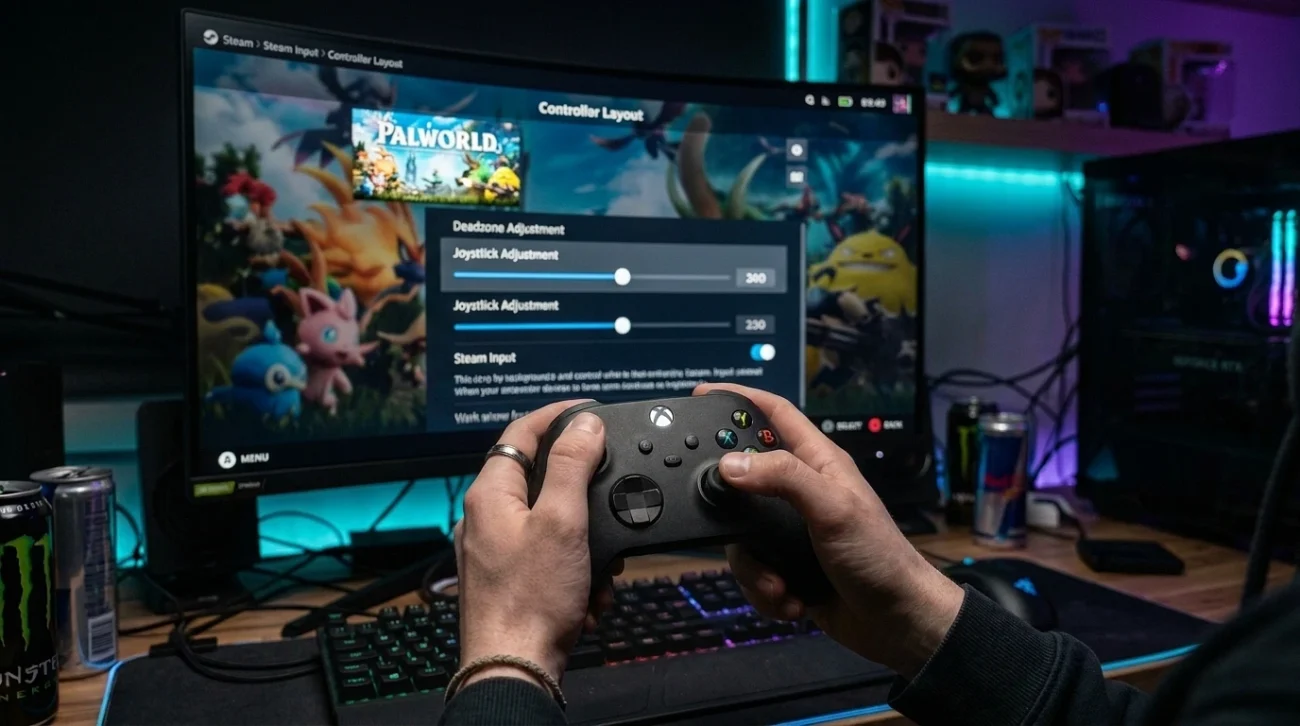
The only reliable repair I found is to move deadzone handling out of Palworld entirely and let Steam do it. Steam Input applies its deadzone before the game ever sees the stick values, so the map receives an already cleaned signal and the drift stops.
The catch is that setting it globally does nothing. I fell into this trap myself and burned an evening on it. You have to force the profile at the game level:
- Right click Palworld in your Steam library and open the controller settings for the game itself.
- Switch the game from default handling to your Steam controller layout.
- Set the left and right stick deadzones inside that layout, using your measured resting deflection plus a few points of margin.
Change the deadzone on Steam's general controller settings page and Palworld keeps reading raw input. Change it in the per game layout without forcing the game to use it and the same thing happens. Only the forced per game profile actually filters the map input, and this exact sequence is what finally worked for players in the community threads too, including one who was about to buy a replacement controller for a fault his pad did not have.
Console players do not get this option. On PS5 and Xbox there is no Steam Input layer to hide behind, so a pad with minor rest deflection drifts on the map and nothing in the game can stop it.
The Input Switching Bug Compounds Everything
There is a separate menu problem that makes the deadzone situation harder to diagnose. On PC, Palworld sometimes flickers between keyboard and controller mode while you are using a pad, with button prompts swapping back and forth and menu selections jumping on their own. Any stray mouse movement, including phantom input from software, can trigger the switch.
I saw this on two of my four test setups, and it matters for one specific reason: it teaches players to blame the wrong component. A menu cursor that jumps because the game flipped input modes looks a lot like stick drift. A map cursor that slides because the deadzone is not applied looks a lot like a dying stick. Palworld stacks both on top of any real hardware wear you might have, and untangling the three takes deliberate testing that most people reasonably will not do.
The fastest way to separate them: test the pad in a browser tool where you can see raw values, note the resting deflection, then compare against what the game does. Ten seconds of measurement replaces an hour of guessing.
Where This Leaves Palworld 1.0
Palworld 1.0 is a far more polished game than the early access build, and the gameplay deadzone slider genuinely does its job. The map screen not respecting that slider after two and a half years of player reports is the part I find hard to excuse. It is one input path, it already has a working reference implementation in the rest of the game, and the workaround requires players to understand Steam Input profile forcing, which is a lot to ask of someone who just wants to fast travel.
My advice is straightforward. Measure your sticks first so you know what your hardware is actually doing. If your resting deflection is under 2 percent, play with the defaults and you will be fine everywhere except the map on bad days. Above that, set the in game deadzone with margin and force a Steam Input profile for the map. If you are above 8 percent, the stick itself has a real problem and no setting in any game fully hides it.
Pocketpair could make most of this article obsolete with a default deadzone of 0.10 and one line of code routing the map through the same input filter as the camera. Until then, the proof stands: the game handles deadzones badly in exactly one place, and it happens to be the screen you open a hundred times per session.