Your 9800X3D and RTX 5080 Are Wasted on the Wrong Monitor

Overview
Match The Screen To How You Play:
- Mostly competitive shooters: 1440p QD-OLED, 240Hz or higher.
- A mix, or mostly single-player: 4K QD-OLED at 240Hz.
- A real split between the two: a dual-mode OLED.
- Avoid: anything 4K capped at 120 or 144Hz, or plain 1440p at 144Hz.
For head-to-head panel testing before you buy, Tom’s Hardware, RTINGS, and PCWorld are the most reliable sources for brightness, motion handling, and burn-in protection.
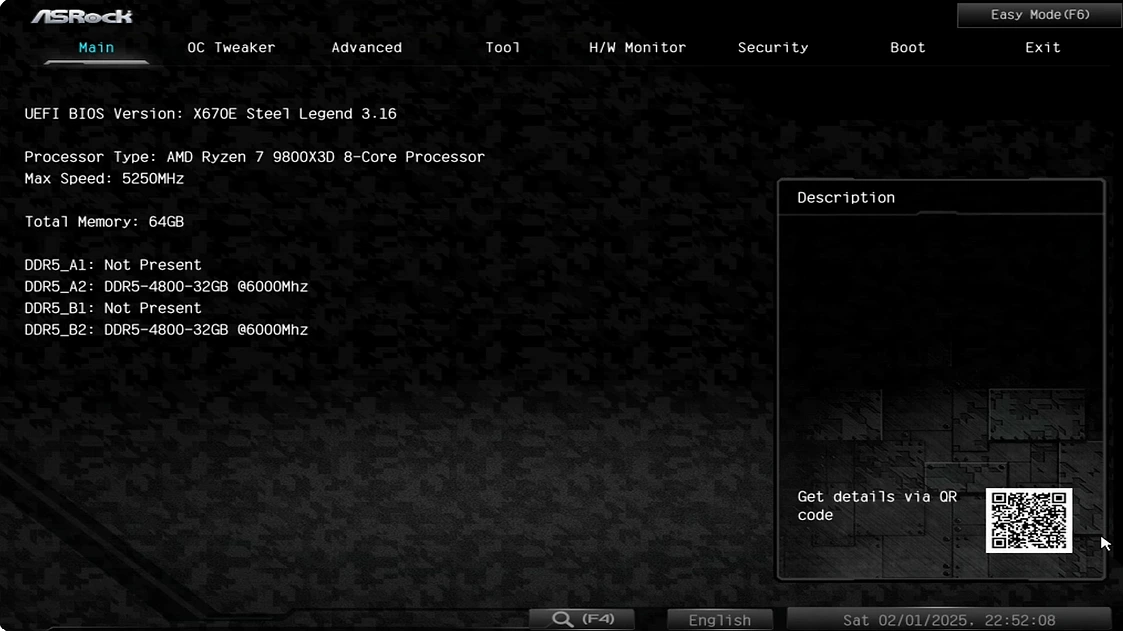
A Ryzen 7 9800X3D paired with an RTX 5080 is close to the best gaming hardware you can buy. The problem is that most people bolt this build to a monitor that wastes half of what they paid for, because the screen doesn’t match what these two parts are good at. The CPU wants high refresh, the GPU wants high resolution, and the wrong monitor only feeds one of them. Getting it right costs nothing extra.
Why The Wrong Monitor Wastes This Build
The two parts are strong at different jobs:
- The 9800X3D is the fastest gaming CPU you can buy, and its strength is high frame rates. It matters most when you’re chasing 200 or more frames per second, the point where the processor, not the GPU, sets your ceiling.
- The RTX 5080’s strength is resolution. It averages around 178 FPS at 1440p and 134 at 4K, roughly 90 percent of an RTX 4090, holds 120 to 140 frames at 4K in demanding games, and pushes past 200 with DLSS 4 frame generation.
The CPU pulls toward high refresh and the GPU pulls toward high resolution. The right monitor feeds both. The wrong one picks a side.
The Two Monitors To Avoid
These common choices each leave one part idling:
- Plain 1440p 144Hz wastes the GPU. The 5080 blows past 144 frames at 1440p in most hypackel games, so everything above 144 gets thrown away.
- 4K at 120Hz or 144Hz wastes the CPU. At 4K you’re GPU-bound, so the 9800X3D’s frame-rate advantage barely shows, and the low refresh cap throws away what it could have fed.
Neither screen is bad. They’re the wrong shape for this hardware.
Mostly Competitive Shooters: Buy 1440p, But Fast
For Counter-Strike, Valorant, Apex, or any fast shooter, frame rate beats pixel count. Buy a 1440p OLED at 240Hz or higher. The 5080 produces huge frame rates at 1440p and the 9800X3D keeps them fed, so the panel fills up instead of sitting half-used.
- Alienware AW2726DM, a 27-inch 1440p 240Hz QD-OLED that brought this tier to a reasonable price.
- ASUS ROG Swift PG27AQDP, a 27-inch 1440p OLED that runs up to 480Hz for the lowest input lag.
This is the one case where 4K is the wrong call, since it would cap your frames and hand back the exact advantage the X3D gives you.
A Mix Or Mostly Single-Player: Buy 4K At 240Hz, Not 144
For big single-player games, open worlds, ray-traced RPGs, and the occasional shooter, buy a 4K QD-OLED at 240Hz. This is the tier that wastes neither part. The 5080 drives 4K at 120 frames and up natively, and past 200 with DLSS 4, so a 240Hz panel has real frames to show instead of a 144Hz ceiling clipping them.
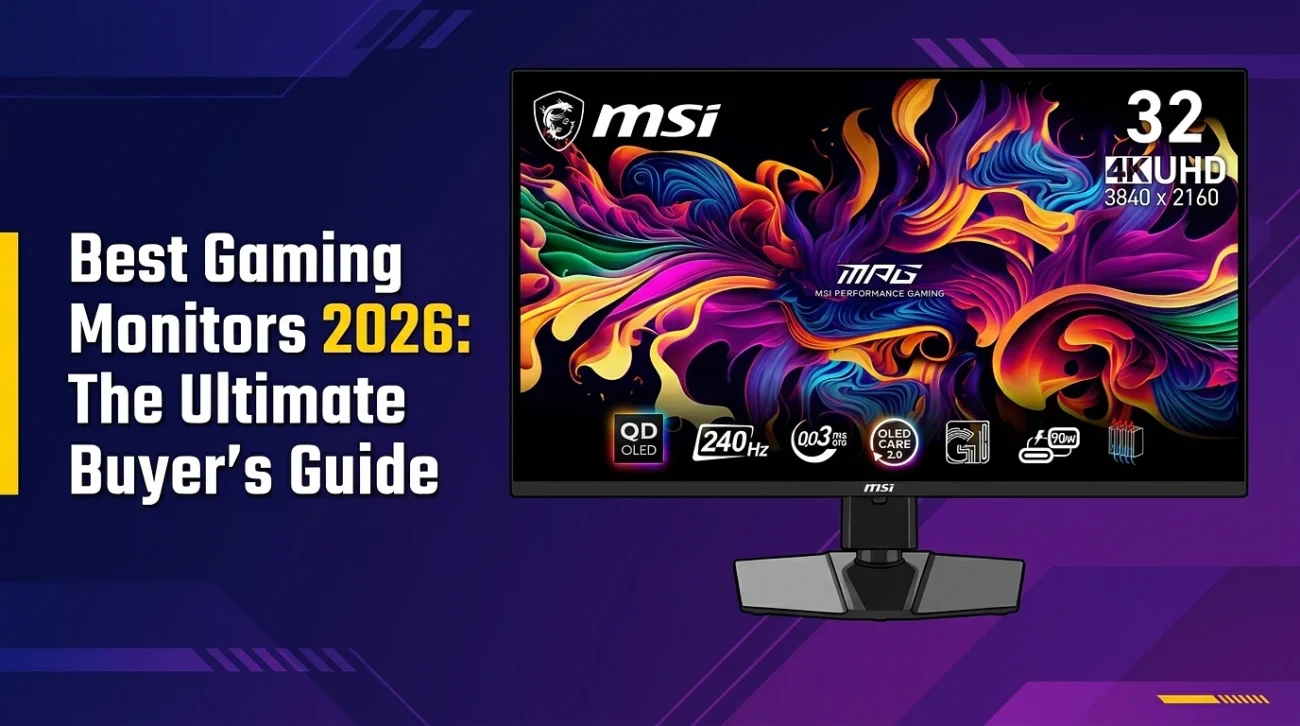
- MSI MPG 321URX and ASUS ROG Swift PG32UCDM, two 32-inch 4K 240Hz QD-OLEDs around 900 to 1,000 dollars.
- ASUS ROG Swift OLED PG27UCDM, the same 4K 240Hz panel in a sharper 27-inch screen for closer seating.
Drop to an older 4K 144Hz model and you’re back to wasting the CPU. The 240Hz tier is the point.
A Real Split Between Both: Buy A Dual-Mode OLED
If you split your time evenly between ranked shooters and cinematic games, you don’t have to choose. Dual-mode OLED panels run 4K at 240Hz for fidelity and switch to 1080p at 480Hz for speed, from one screen. The LG UltraGear 32GS95UE is the best-known example, and more arrive every few months.