
Dead by Daylight D3D12 Crash on a New PC? Check Resizable BAR Before Anything Else

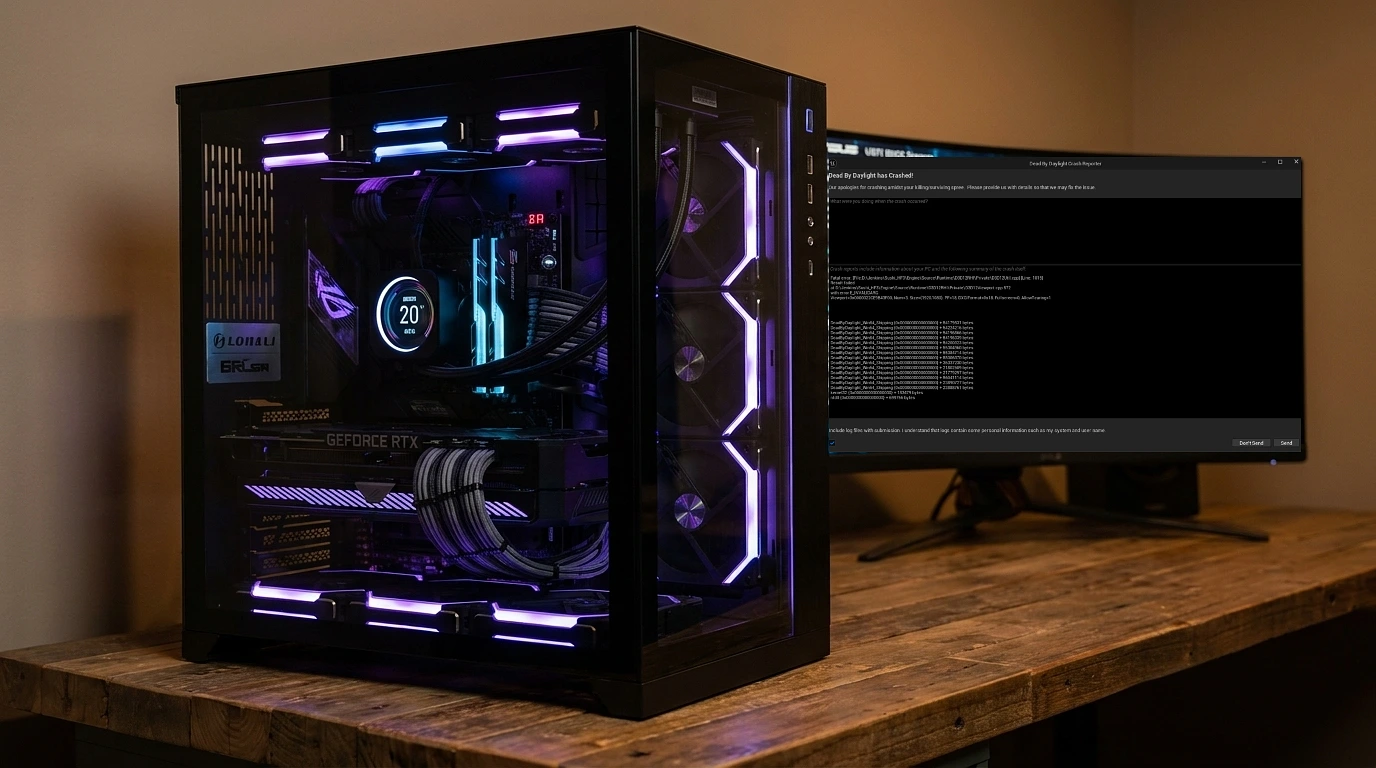
If you have just built a machine, installed Dead by Daylight, and been met with a crash reporter full of D3D12 filenames while every other game on the system runs perfectly, this article is for you.
The crash looks like this:
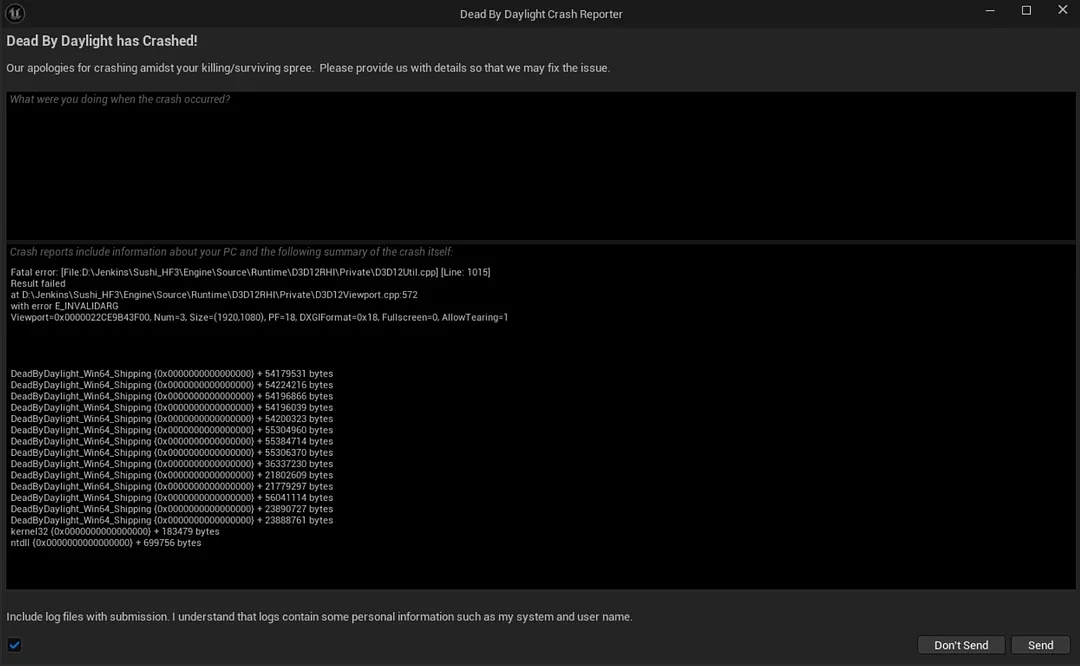
Fatal error: [File:D:\Jenkins\Sushi_HF3\Engine\Source\Runtime\D3D12RHI\Private\D3D12Util.cpp] [Line: 1015]
Result failed
at D:\Jenkins\Sushi_HF3\Engine\Source\Runtime\D3D12RHI\Private\D3D12Viewport.cpp:572
with error E_INVALIDARG
Viewport=0x0000022CE9B43F00, Num=3, Size=(1920,1080), PF=18, DXGIFormat=0x18, Fullscreen=0, AllowTearing=1
Search that error and you will find the same advice everywhere: add
-force -dx11to your launch options. It works. The game stops crashing immediately.
It is also not a fix, and this piece is about the thing that actually is one.
Why the DX11 Workaround Bothers Me
Forcing DirectX 11 does resolve the crash, and if you need to play tonight, use it. But look at what you are agreeing to.
You have a modern GPU that supports DirectX 12 properly. You are telling the game to ignore that and fall back to an older API. Frame pacing gets worse, the rendering path is less efficient, and anyone who has run the game both ways can feel the difference within a couple of matches. On a brand new build, that is a strange trade to accept permanently.
More to the point, the workaround tells you nothing about why the crash happens. You have muted the symptom.
What The Error Is Actually Saying
You do not need to read Unreal Engine source to get something useful out of that crash log.
The failure is in
D3D12Viewport.cpp, which is the code responsible for setting up the swap chain, the buffers the game draws into before they reach your monitor. The error itself isE_INVALIDARG, meaning DirectX rejected an argument it was handed as invalid.
So the sequence is roughly: the game asks the driver to create its DX12 render surface, the driver refuses the request, and Unreal treats that as fatal and closes.
That framing matters. This is not a corrupted install and it is not a bad shader cache. It is a disagreement between the game’s DX12 path and how your system is exposing the GPU to it, which is why verifying files and reinstalling both achieve nothing.
The Fix: Resizable BAR
Here is the part almost nobody suggests, and it resolved this case completely.
Resizable BAR is a PCI Express feature that lets your CPU address the whole of your graphics card's memory at once. Without it, the CPU can only see the card's VRAM through a small 256MB window and has to move data through in pieces. With 24GB of VRAM sitting behind a 256MB aperture, that is a lot of shuffling.
It is usually discussed as a performance feature worth a few frames per second. What gets discussed far less is that games with a DX12 renderer make memory allocation assumptions, and a mismatch between those assumptions and how memory is actually being exposed can produce exactly this class of invalid argument failure.
There is a further wrinkle specific to Nvidia. Resizable BAR on GeForce cards is applied through a driver whitelist, so it activates for games Nvidia has approved and stays off for everything else, whatever your BIOS says. Dead by Daylight is not necessarily on that list. That is why enabling it in BIOS alone may not be enough, and why the second half of this fix matters.
Step By Step
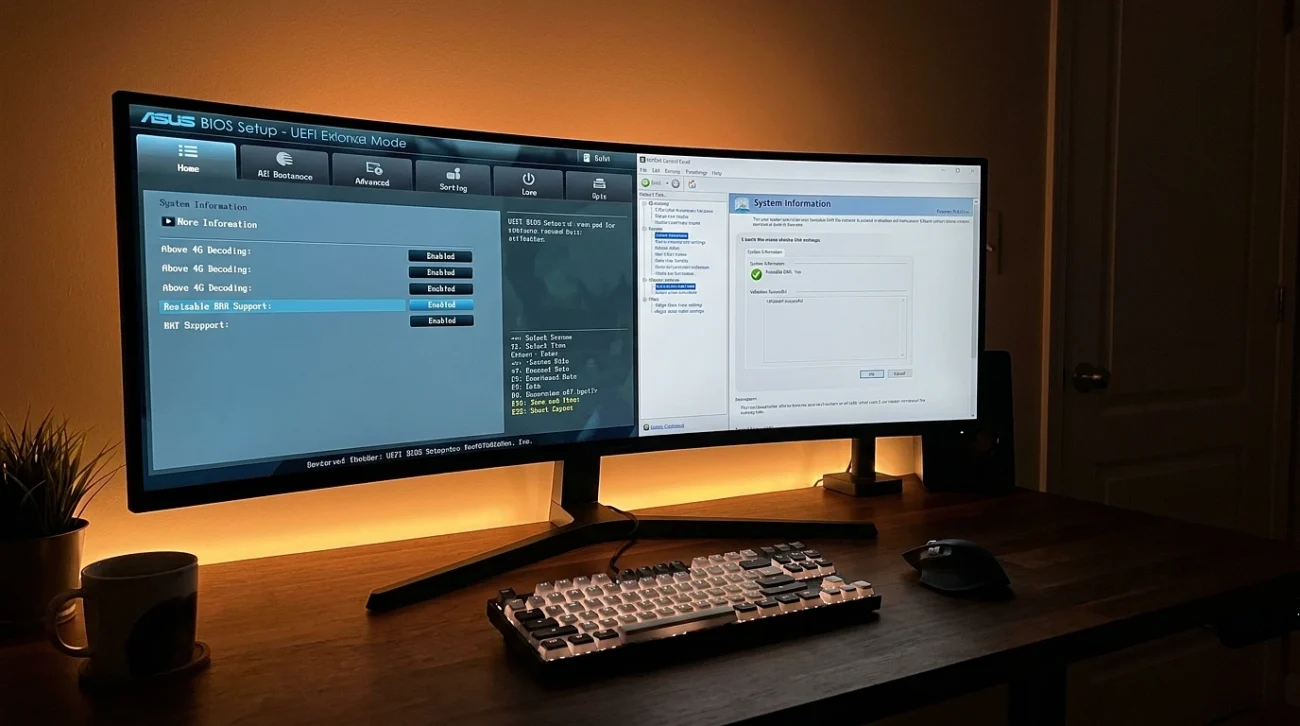
Work through both parts. The BIOS half without the driver half will often leave you exactly where you started.
Part one, in BIOS. Reboot and enter your motherboard’s setup, usually Delete or F2 during startup.
- Enable Above 4G Decoding. Resizable BAR depends on it and it is generally off by default.
- Enable Resizable BAR Support. On some boards this only appears after Above 4G Decoding is switched on, so enable that one first.
- Disable CSM, or Compatibility Support Module. This one catches people out. Resizable BAR requires UEFI boot, and leaving CSM enabled will silently prevent the whole thing from working.
- Save and exit.
A word of caution on CSM. If your Windows drive was installed in legacy mode rather than UEFI, disabling CSM will stop the machine booting. Check first: run msinfo32 in Windows and look at BIOS Mode. If it says UEFI, you are fine. If it says Legacy, do not disable CSM until you have converted the drive, and that is a separate job.
Verify it took. Open the Nvidia Control Panel, go to System Information, and look for the Resizable BAR line. It should now read Yes. If it still says No, the usual causes are CSM still enabled, an outdated motherboard BIOS, or a GPU vBIOS that predates Resizable BAR support and needs updating from the card manufacturer.
Part two, in Nvidia Profile Inspector. This is what gets the feature applied to a game the driver has not whitelisted.
- Download Nvidia Profile Inspector. It is a widely used community tool, not an Nvidia product.
- Select the Dead by Daylight profile, or the global profile if you would rather apply it broadly.
- Find the rBAR entries, usually listed under the section for Resizable BAR options.
- Enable them, apply the changes, and restart the game.
At that point, remove -force -dx11 from your Steam launch options. The whole point is to get DirectX 12 running properly, so leaving the override in place defeats the exercise.
If It Still Crashes
A few other things genuinely cause this error, and they are worth checking in this order.
Roll back your graphics driver. Newest is not always best. Several waves of this crash have coincided with specific driver releases, so if the crashes began after an update, install the previous branch using DDU for a clean removal.
Check factory overclocks. Cards sold as overclocked editions sometimes ship marginally unstable. Drop the core clock 50 to 100MHz in MSI Afterburner and test. This costs almost nothing in real performance and rules out a genuine cause.
Reset the game’s config. Corrupted settings can produce viewport errors. Rename the folder at %localappdata%\DeadByDaylight\Saved\Config and let the game rebuild it.
Check the obvious ones. Verify game files in Steam, make sure Windows is fully updated, and confirm the game is not being interfered with by overlays. MSI Afterburner’s overlay in particular has a long history of arguments with anti-cheat and DX12 titles.
Why This One Is Worth Writing Down
The reason I think this case matters is that the crash produces a wall of DX12 text, and the community answer is always to abandon DX12. Thousands of players are running the game on an older API on hardware that is entirely capable of the newer one, because the real cause sits in a BIOS menu nobody thinks to open when a game misbehaves.
Two settings, one small utility, and you keep the renderer you paid for.
If you have hit this on a fresh build, the sequence is: check msinfo32 for UEFI, enable Above 4G Decoding and Resizable BAR, disable CSM, confirm in the Nvidia Control Panel, then force the rBAR options in Profile Inspector and drop the DX11 flag.
For background on the platform requirements, Nvidia documents them in its Resizable BAR firmware update guidance, and it is worth a read if the Control Panel keeps telling you the feature is off after you have enabled everything.